

Every film begins the same way: with a decision about how to enter the material.
In MITO, that decision comes immediately. You can start with Director—our AI co-pilot—or without it. Both paths lead to the same place: a storyboard, a sequence, a first cut. The difference is in how you want to think.
STARTING WITH DIRECTOR
Director is the conversational layer of MITO. You talk to it the way you’d talk to a collaborator who already understands the project.
To begin:
Click on Director in your workspace
Drag and drop your brief—or type it directly
Attach any files you need: references, scripts, notes
From there, Director helps you iterate on the concept, build the script, and move toward a storyboard. The entire workflow happens inside the chat. You’re directing through language.
STARTING WITHOUT DIRECTOR
If you already have a concept in mind and want to work by hand, the canvas is yours.
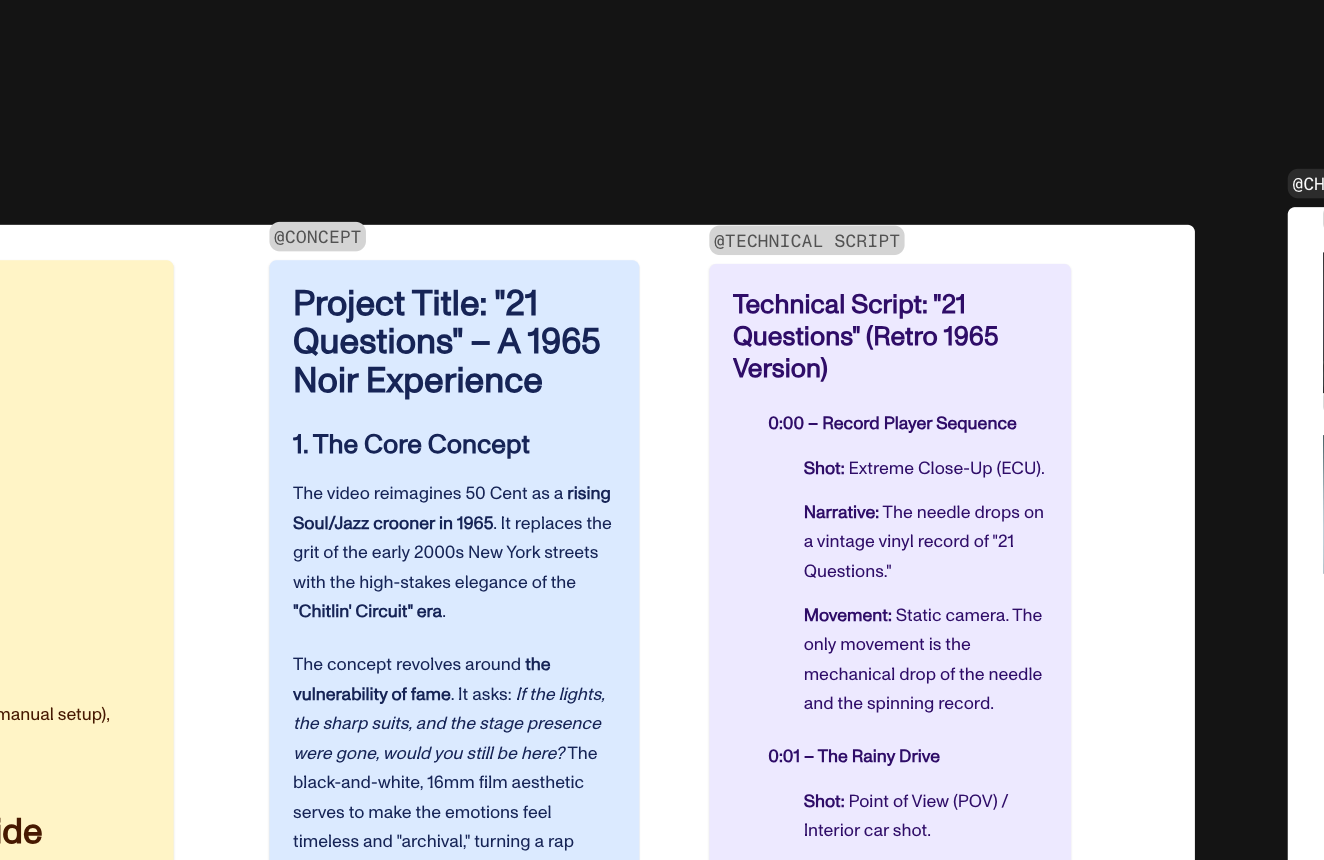
Create a new text block and write your concept
Create another for your script
Name both clearly—this matters
Why does naming matter? Because when you eventually ask Director to generate a storyboard, it will reference these elements by name. A concept called “concept” and a script called “script” become anchors the system can find.
GENERATING THE STORYBOARD
Once your concept and script are ready, Director can build the storyboard automatically.
Ask it directly:
“Create a storyboard with this concept and by this script.”
Reference the names you gave your elements. Director will generate the full storyboard in order, respecting the narrative structure you’ve established.
From there, you can edit freely: change the narrative, adjust durations, duplicate frames, reorder shots. The storyboard is not a fixed document—it’s a working space.
BUILDING CHARACTERS AND LOCATIONS
Consistency is the hardest thing to achieve in AI-generated filmmaking. MITO is built around preserving it.
For characters:
Generate reference images showing multiple angles: front, back, profile
Include clothing, posture, lighting conditions
Group these images and name the group (e.g., “Character_Elena”)
When you generate new scenes, you can reference this group directly. Director will maintain identity across shots.
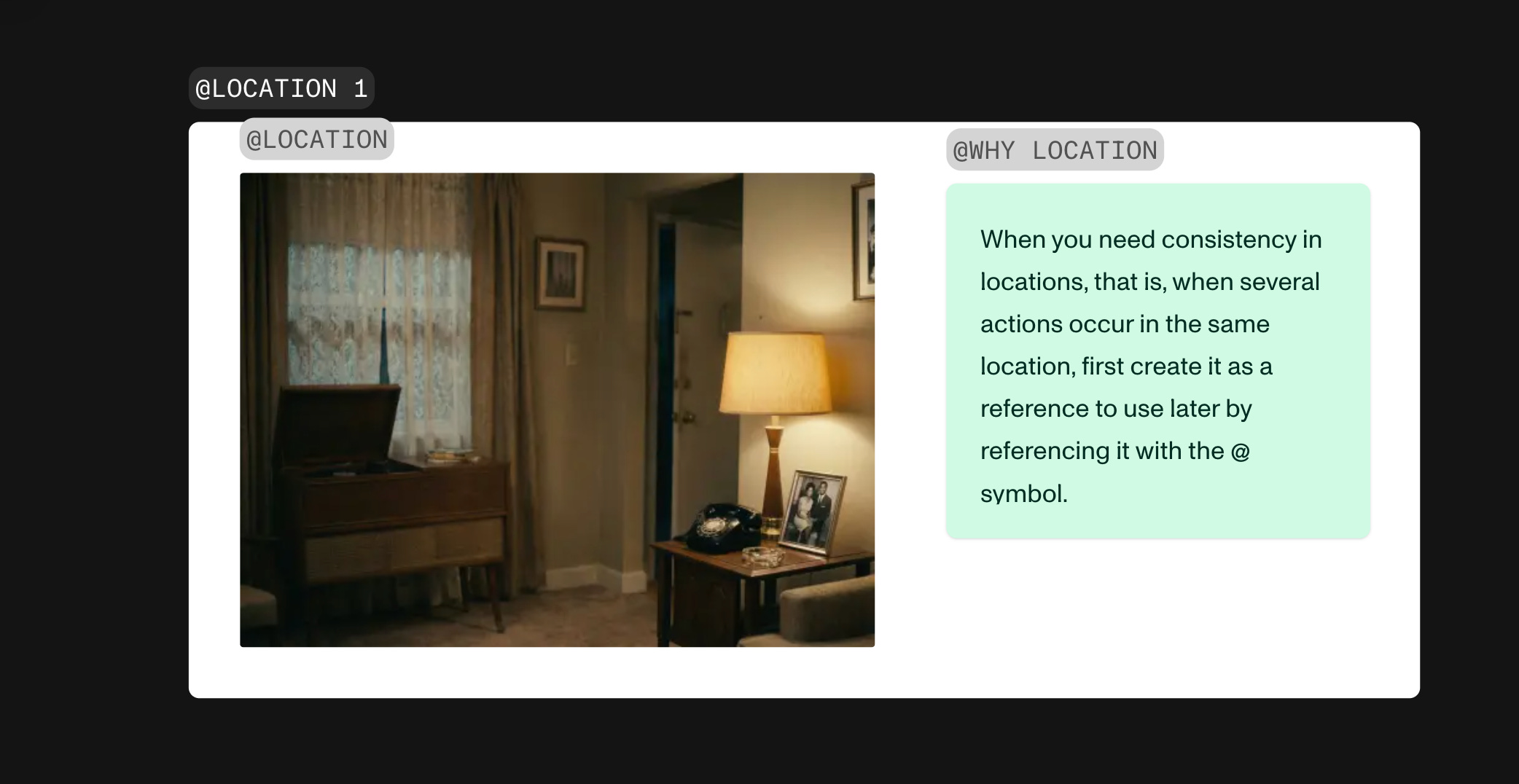
For locations:
Same principle: generate multiple views of the same space
Name and group them
Reference them when prompting new scenes
The logic is simple: if Director knows what “Character_Elena” and “Location_Warehouse” look like, it can place them together without drifting.
PROMPTING WITH INTENTION
MITO provides prompt helpers for:
Lenses and aperture
Aspect ratios
Shot types and angles
Lighting conditions
You don’t need to memorize these. When you’re in the editor, you can change them directly:
“Create this scene with soft golden light, 35mm lens, medium close-up”
The system translates your direction into visual continuity.
SELECTING FOR PRODUCTION
As you iterate, you’ll generate multiple versions of the same shot. Some will work. Most won’t.
To keep track:
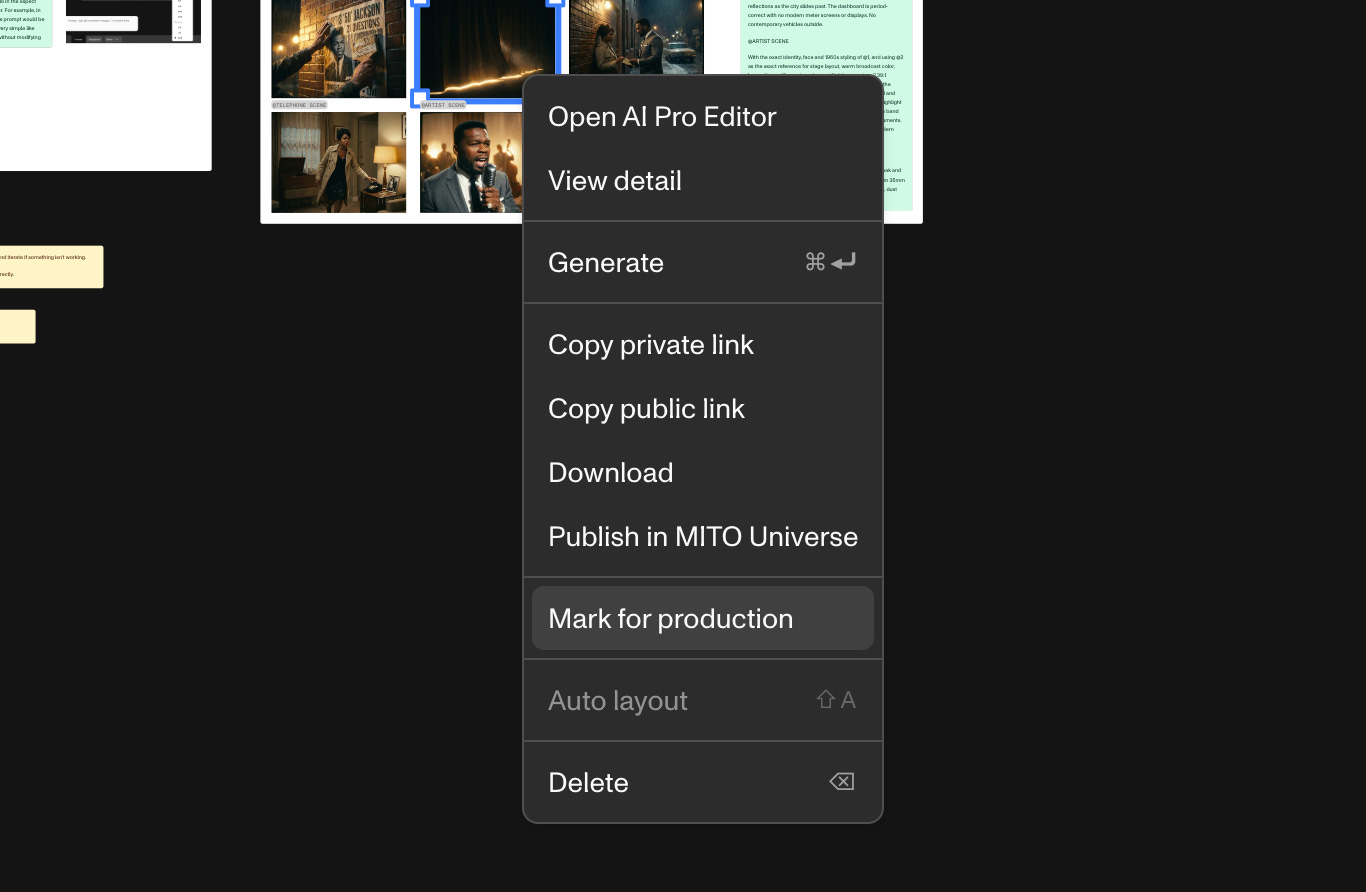
Right-click on the images you want to keep
Select “For production”
These marked assets appear in My Assets within the storyboard view. From there, you can drag them into place and begin assembling the edit.
FROM IMAGE TO VIDEO
Once you have a frame you like in the Storyboard, turn it into video with one click.
In the Storyboard you’ll find movement helpers: depth and parallax, energy and pacing, environmental motion.
You can also add audio—voice, sound effects, music—directly within the same workspace.
EDITING AND EXPORTING
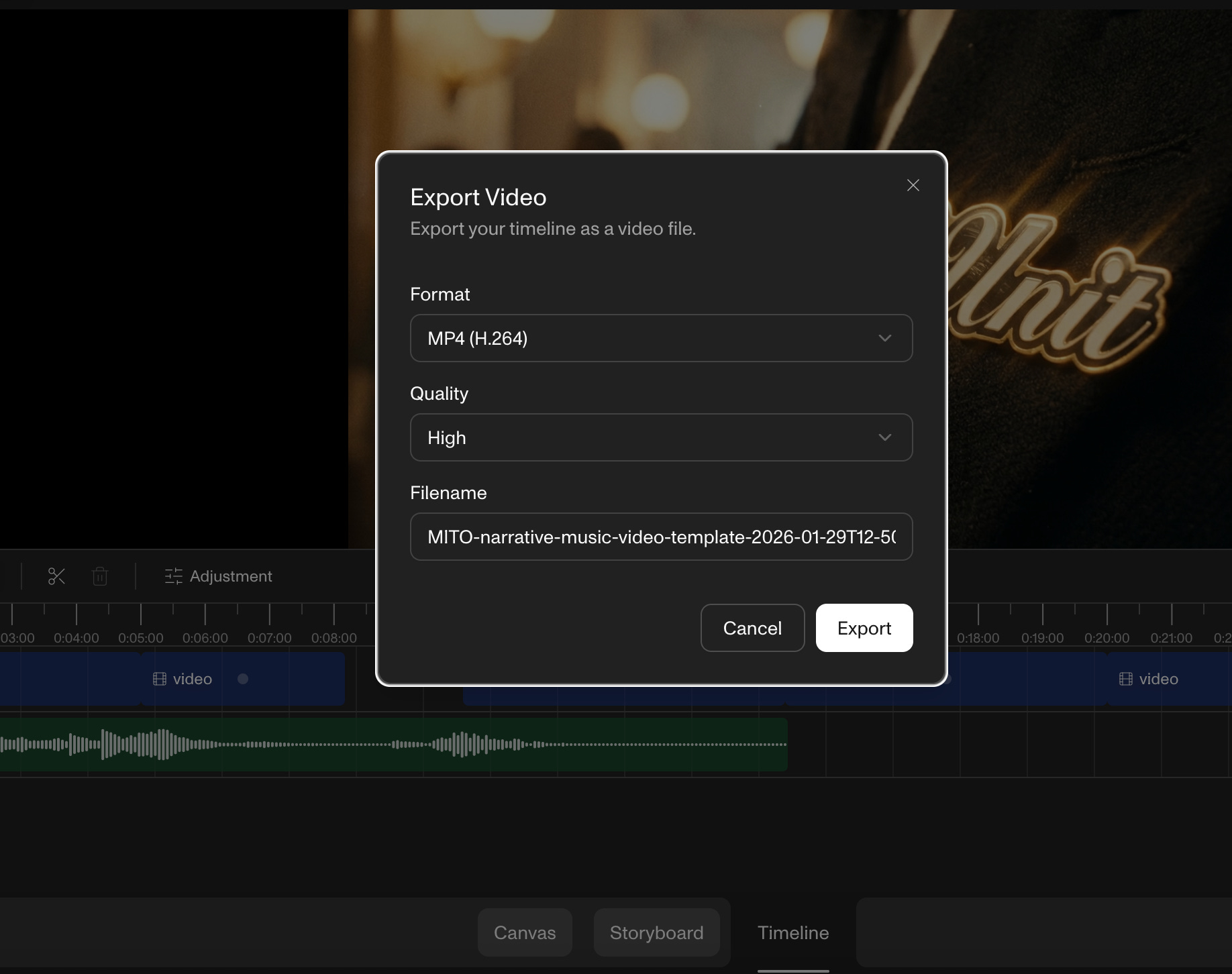
The storyboard becomes the timeline. You can:
Stitch video segments together
Adjust timing and transitions
Add audio layers
Export the final cut
Everything happens inside one system. No context switching. No lost files. No broken continuity.
AFTER THE EXPORT: PUBLISH TO UNIVERSE
A finished project doesn’t end at the export button.
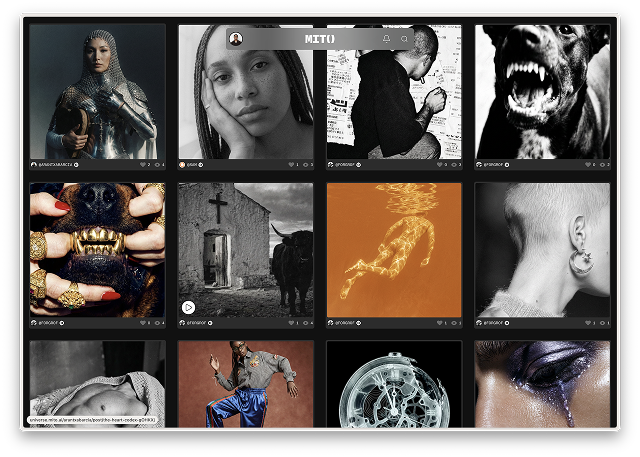
MITO Universe is where your work becomes visible—to the community, to potential clients, to the curated archive we’re building together.
When you publish, your project enters the Curated Log, becomes discoverable and a part of the record.
Start experimenting at app.mito.ai
Publish your work at universe.mito.ai